Voice-tracking teleprompter for creators

Read your script.
Don't fight your teleprompter.

Voice-tracking teleprompter that actually keeps up with you. Say "Hey Fox" to control everything hands-free — then cut the take in the built-in Studio editor. Free to try.

No credit card. 30 minutes of voice tracking per month, free forever.

getscriptfox.com

Your hands aren't on your keyboard.
Why does your teleprompter still expect them to be?

Your hands are on the camera. Or holding a prop. Or framing the shot. So why does your teleprompter expect you to click a mouse every time you want to start, stop, or jump back a section?

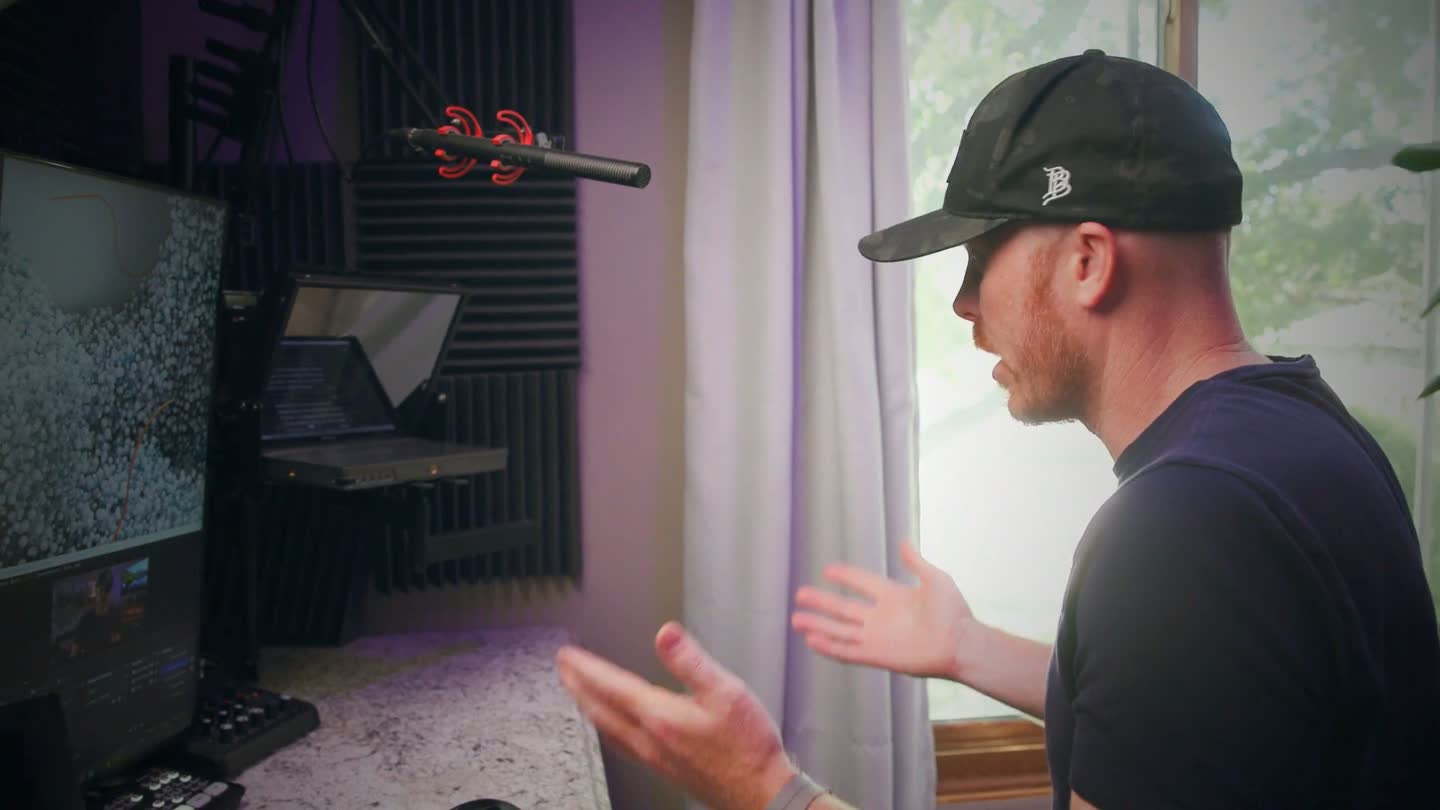
Whether you're filming in a studio, your bedroom, your truck, or outside on location, you need a teleprompter you can control with your voice. One that follows your reading pace without you fighting it.

Scriptfox is built around that. Voice tracking that actually keeps up. "Hey Fox" controls for everything else. Hands-free. The way it should have been from day one.

And when the read is done, most teleprompters hand you a recording and wish you luck. ScriptFox keeps going — your take lands in Studio, where the script you just read is already the timeline you're cutting.

The prompter

It listens. You just read.

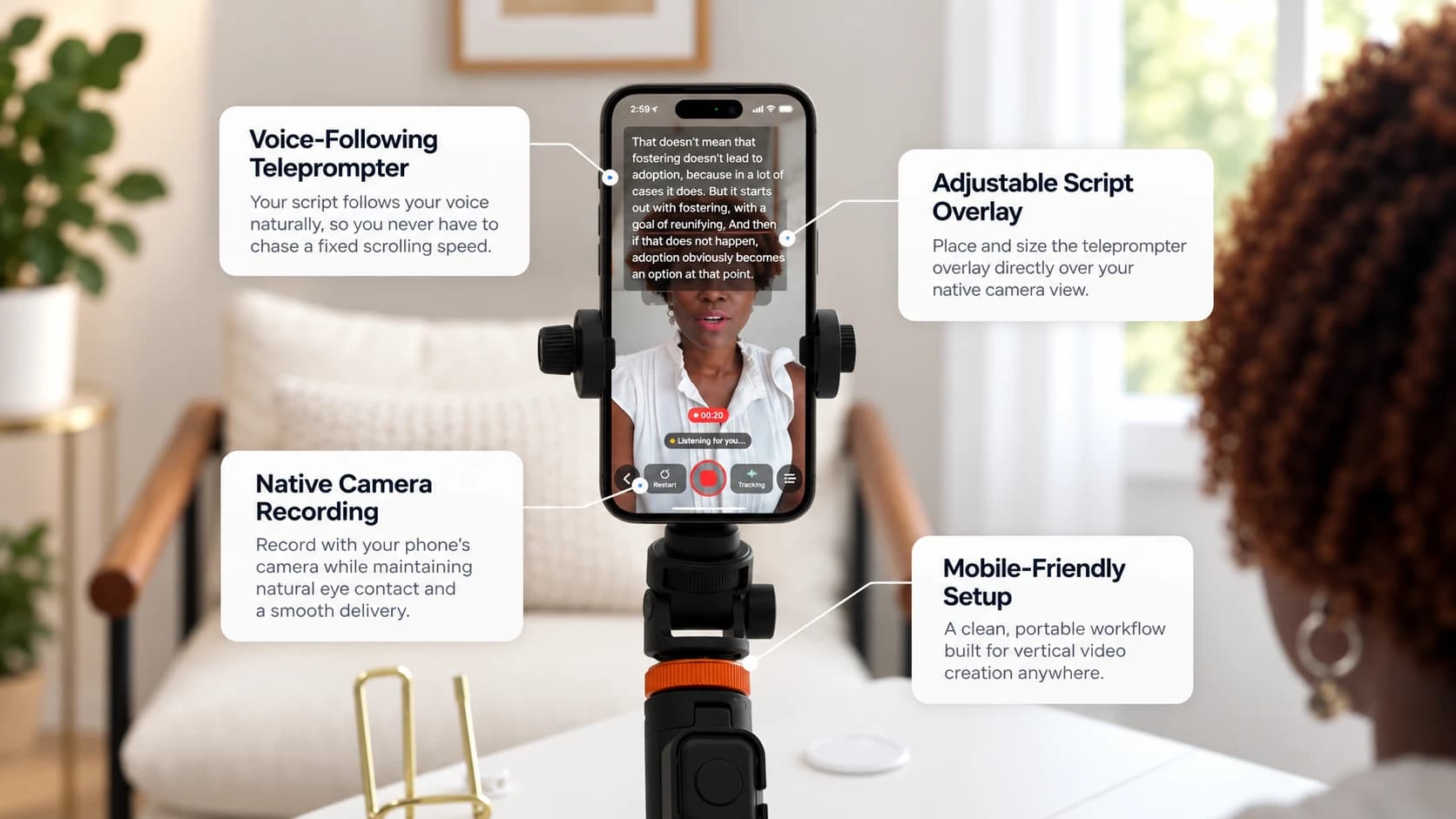
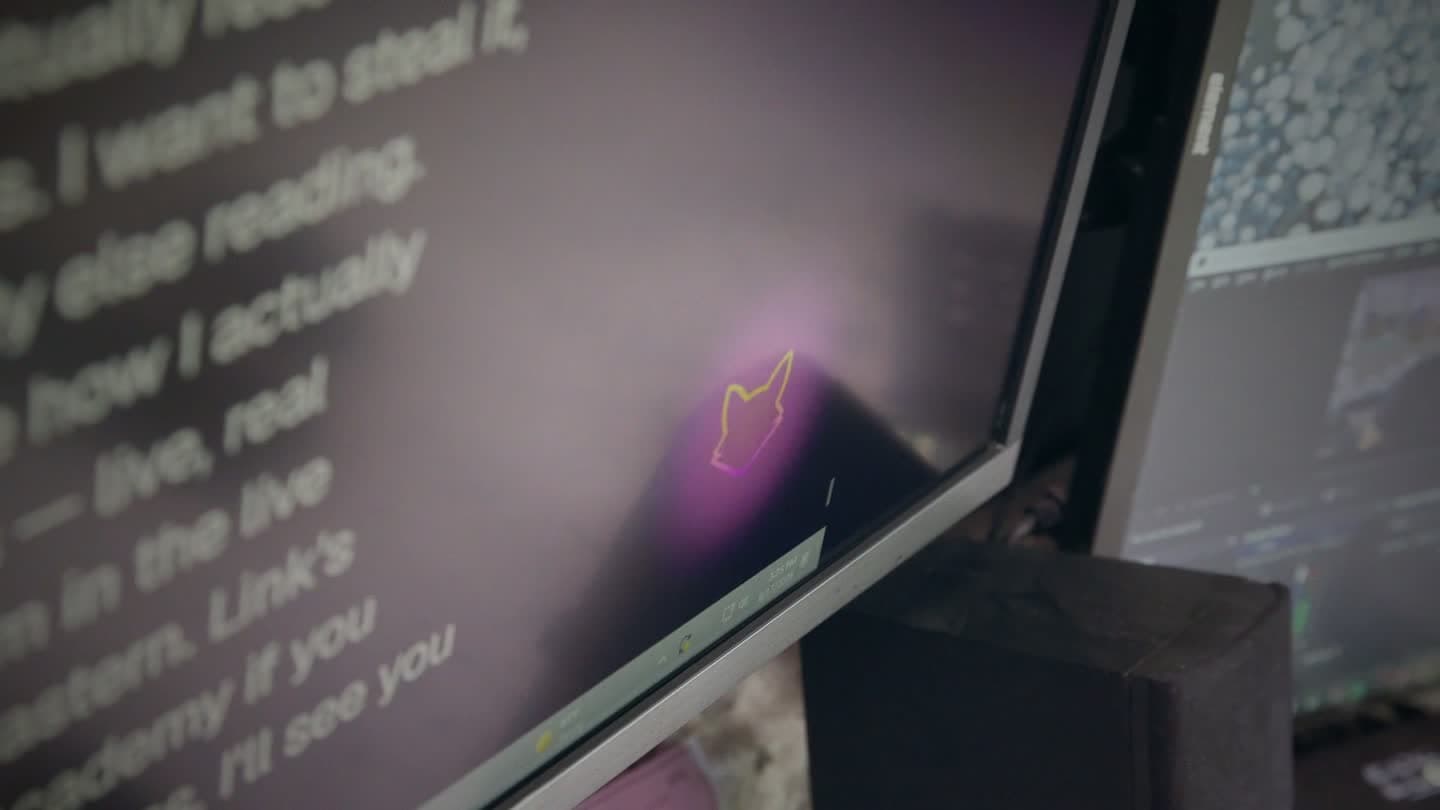
The prompter follows your voice — your pace, your accent, your stumbles. Drift off script and it eases to a hold; pick the line back up and it's already moving. No timing knob to babysit, no producer on a scroll wheel.

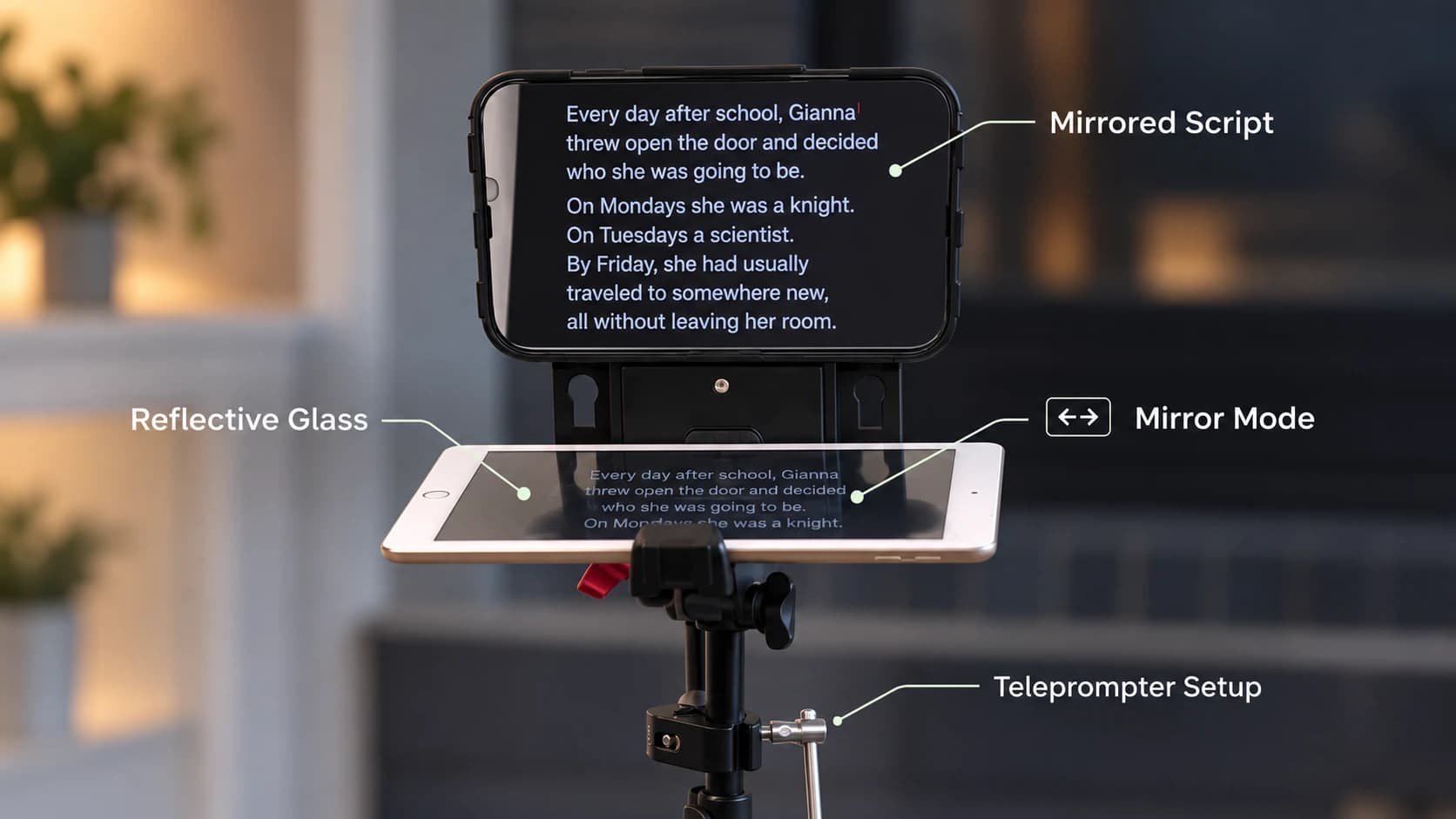
Voice trackingReading lineMirror mode“Hey Fox” commands
getscriptfox.com/prompter
The ScriptFox prompter mid-read — large script text, reading line, and live Listening status
The editor

Write with a partner that reads the whole draft.

The editor's AI writing partner sees your title, your sections, and your retention scorecard — and talks about your script like an editor would. Ask it to tighten the hook or fix a clunky line; every suggestion lands as a one-click Apply.

Claude or GPTInline rewritesRetention scorecardSection markers
getscriptfox.com/scripts
The ScriptFox script editor with the AI writing partner panel giving line-level feedback
“Hey Fox” voice commands

Your hands are on the camera. Talk to it.

31 voice commands work hands-free from anywhere in the app — start, stop, jump to a marker, change pace, start recording, open a different script. The wake word runs on your device, so it's always listening without sending audio anywhere.

Hands-free controlOn-device wake wordWorks app-wide
Fox is listening
On-device wake word active
Hey Fox, start
Hey Fox, pause
Hey Fox, jump to the hook
Hey Fox, a little faster
Hey Fox, start recording
Hey Fox, open call mode

Voice tracking that actually works

Three-layer engine that adapts to your accent, catches up when you stumble, and never drifts on common words. Tested daily on real YouTube recordings — not built in a lab.

Hands-free control

Say "Hey Fox" to start, stop, pause, jump to any marker, switch modes, or change pace. Works from anywhere in the app — even before you open a script.

Built by a creator

Made by Tyler at Day Trading Jesus (50K+ subs). Used every single day on real videos. Every feature exists because a real creator needed it.

How it works

Four steps, from blank page to finished video. No setup wizard, no tutorial videos to slog through.

1

Paste your script

Drop in your script. Tag your sections (Hook, Main Points, CTA) if you want analytics later. Auto-saves as you write.

2

Hit Start and begin reading

Open the prompter, click Start, and just talk. The cursor follows your voice. No timing knob to babysit.

3

Say "Hey Fox" for anything else

Pause, restart a section, jump to a marker, change the WPM, start recording. All without touching the keyboard.

4

Cut it in Studio (Pro)

Your take lands on a timeline that already knows the script. Run the cleanup passes, drop in captions and B-roll, export. Done.

ScriptFox Studio · included with Pro

Meet ScriptFox Studio

The half of ScriptFox nobody told you about.

Most teleprompters hand you a recording and wish you luck. Studio is a full editing suite built into the same app — so the script you just read is already the timeline you're cutting, and the AI already knows what you meant to say.

A recorded take playing in ScriptFox Studio with live captions
Dead Air — scanning the waveform…
3 gaps removed · −29s
TIMELINE · DEAD AIR PASS3:102:41

One of Studio's cleanup passes — Dead Air finds the flat spots in your audio and lifts them out.

Runs on your machine.

Studio Sound and the editing engine are local. No render queue, no credit balance, no watching an upload bar.

Built for people who read a script.

Every AI feature knows the difference between what you meant to say and what you actually said — because it has both.

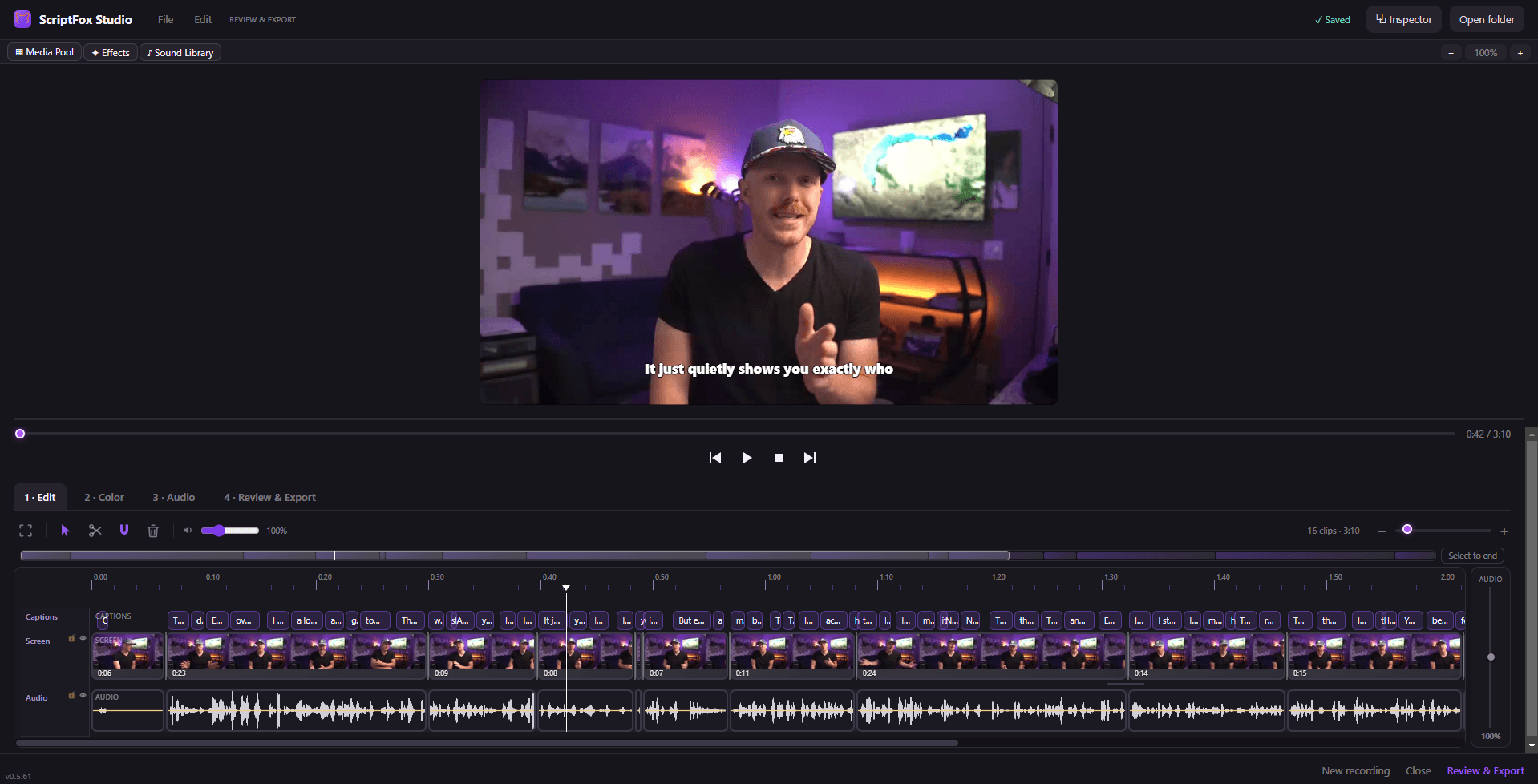
ScriptFox Studio — 1 · Edit
The full ScriptFox Studio editor — caption, clip, and audio lanes under a live preview
ScriptFox Studio — 2 · Color
Studio's color page — grade presets, curves, HSL, and wheels

A real timeline with caption, clip, and audio lanes. A real color page with presets, curves, and wheels. What you preview is exactly what exports.

Record the screen, not just your face

Screen recording with click-aware auto zoom that follows what you're actually doing, webcam overlay, and camera polish that holds up next to a dedicated screen recorder. Recordings arrive in the timeline already linked to the script you read.

Your script is the edit

Script Rail shows every line of your script against the real recording — spoken, retaken, partial, skipped — and lets you click a line to jump there. Retake Cleanup finds the three times you started that sentence over and keeps the one that landed.

The passes an editor would make

Smart Cuts, Filler Removal, Dead Air, Autopilot, Co-editor. Remove the ums and the repeated sentences, or hand the rough cut to the Co-editor and review its proposals as cards you accept or reject. Nothing is applied behind your back; everything is one undo away.

B-roll that comes from your own footage

Point the B-roll Library at your folders. Studio catalogs every clip shot by shot, then places coverage where the script actually calls for it — following real editorial rules, not one clip every three minutes. You cycle alternates until it's right.

Captions people actually stop for

Eight animated caption styles — Karaoke, Highlight, Word Pop, Impact, Typewriter and more — rendered by the same engine that exports, so what you preview is what ships. Click a word, fix it, done. SRT export included.

Sound and finish

Studio Sound cleans up your voice locally on your own machine — no upload, no credits, no per-minute meter. Titles and lower thirds, chapters, AI-drafted titles and descriptions for the upload page. Then export.

We don't just build it. We ship with it.

“I Made an Entire YouTube Video Without Leaving the App I Built” — every video on our founder's channel since August has been written, recorded, and cut in ScriptFox Studio. Studio gets built by using it: when a real video hits a wall, that wall becomes the next feature.

A Pro feature ($19/mo) · runs in the Windows desktop app · macOS is coming — the web app works great there today.

Built for the way you actually record

Every feature exists because a creator hit a wall and needed it.

Voice calibration that learns your accent

A 90-second read teaches Scriptfox how you say tricky words — proper nouns, acronyms, technical terms. The matcher gets sharper the more you use it.

Floating Mode — under your webcam

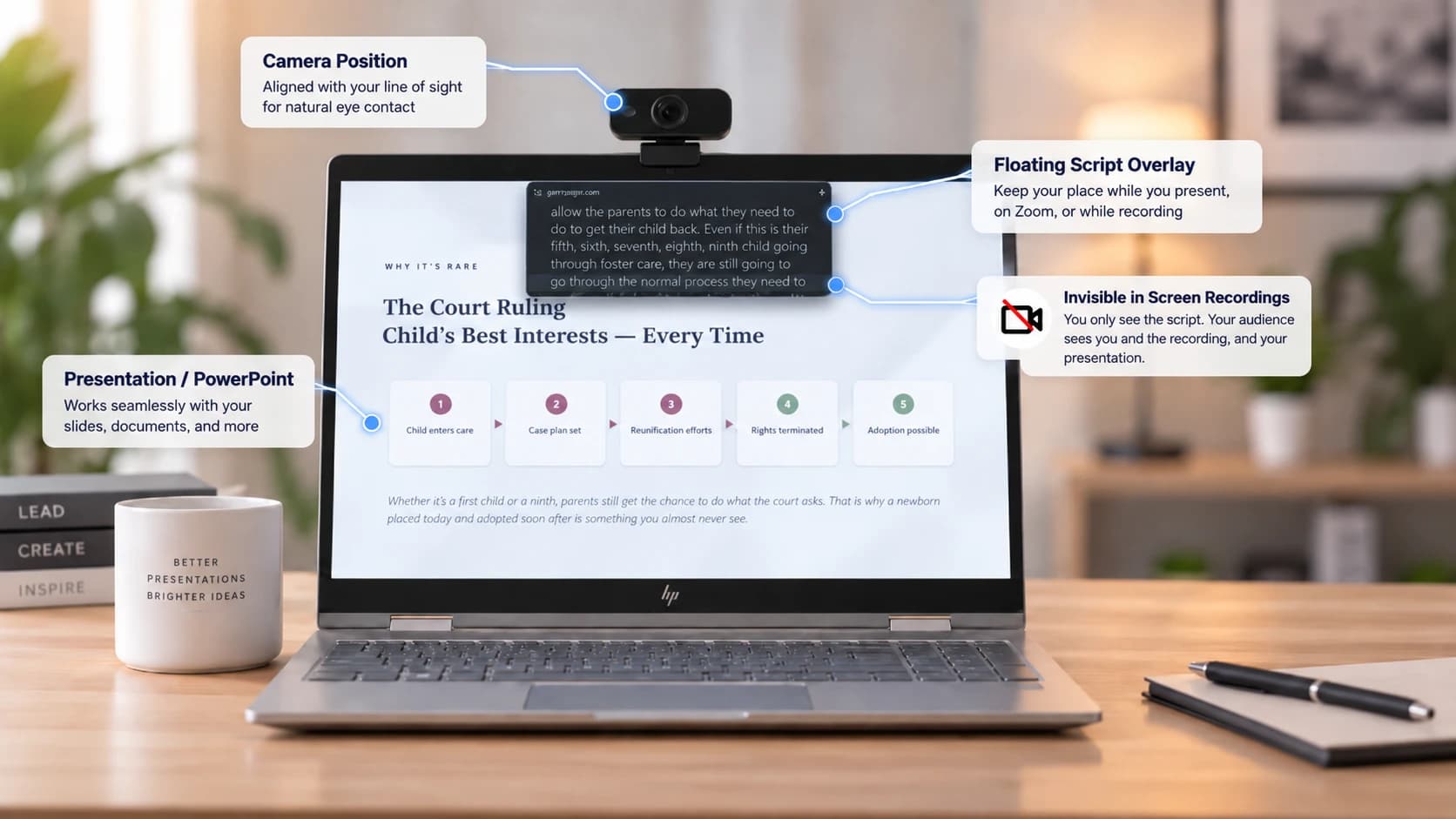
Detach the prompter into its own always-on-top window. Drop it right under your webcam lens. Works with OBS, QuickTime, and any screen recorder.

Call Mode — read over Zoom, Teams & Meet (Pro)

Drop the prompter into a translucent, always-on-top overlay and park it right under your webcam during a live call. Your eyes stay on the lens while you read — ideal for sales calls, coaching, webinars, and interviews. Dial the opacity so your script floats over the call without hiding faces, and open it hands-free with "Hey Fox, open call mode."

Markers and section navigation

Tag sections of your script — Hook, Main Point 1, CTA. Jump between them with one keypress or a voice command.

Recording and take management

Record audio inside the app while you read. Manage takes, replay the good ones, pick your favorite.

AI writing partner in the editor (Pro)

A co-writer built into the script editor that sees your whole draft — title, sections, and your retention scorecard — and helps you sharpen it without leaving the page. Ask it to tighten your hook, rewrite your title, fix your section tags, or draft three new openers; every suggestion lands as a one-click Apply. Pick Claude or GPT, or connect your own Claude.ai or ChatGPT subscription for unlimited use.

AI retention insights (Pro)

Link your script to the published video and Scriptfox maps YouTube's retention curve onto your script structure. See the exact section where viewers leave, get AI fixes tied to your Hook, Intro, and CTA, and a pre-publish coach that grades your hook before you ever hit record.

"Hey Fox" voice commands

Start, stop, pause, jump to a section, change pace, open a different script — all hands-free. Works on every page in the app, not just the prompter.

Simple pricing. No surprises.

Free forever, with real voice tracking. Upgrade when you need unlimited time and the full toolkit.

Free
$0forever

Try the voice tracking. No credit card.

Start free
  • Unlimited scripts
  • 30 minutes of voice tracking / month
  • Basic voice commands (start, pause, stop, record)
  • Pace mode with WPM control
  • Floating Mode (Document PiP)
  • Mirror mode
  • YouTube linking (no analytics)
Most popular
Pro
$19/month

For solo creators recording regularly.

  • Everything in Free
  • Unlimited voice tracking
  • Full "Hey Fox" command set (section nav, marker jump, WPM, multi-step)
  • Voice calibration (adapts to your accent)
  • Custom vocabulary per script
  • Recording + take management
  • ScriptFox Studio — the full video editor in the Windows desktop app: script-aware timeline, retake cleanup, filler + dead-air removal, animated captions, B-roll, color tools, export
  • Call Mode — translucent always-on-top overlay to read over Zoom, Teams & Meet calls, with adjustable opacity
  • AI writing partner in the editor — co-write, tighten, retag sections, and rewrite titles with one-click Apply; use Claude or GPT, or connect your own AI subscription
  • AI retention insights — see exactly where viewers drop, mapped to your Hook, Intro, and CTA
  • AI script coach — pre-publish scorecard that grades your hook, stakes, and open loops
  • Priority support
Team
$39/month

For multi-host shows + small agencies.

  • Everything in Pro
  • 5 seats included — add more for $8/seat/mo
  • Shared script library + team vocabulary across seats
  • Director Mode — a producer watches your read live + controls the prompter remotely
  • Script comments + approval workflow
  • Team analytics roll-up (delivery + retention across members)
  • Cross-script comparison + pattern detection across your videos
  • Webhooks — signed events to Zapier or your own endpoint

Content creator with an audience? Join our affiliate program and earn 30% recurring on every referral.

Beta in progress

“Voice tracking that actually keeps up with how I talk. It's the difference between recording 3 takes and getting it in one.”

Tyler Bundy
Day Trading Jesus · 50K+ subscribers

More quotes coming as our beta cohort ships.

Questions, answered

Any modern browser on Mac, Windows, or iPad. Chrome and Edge give you Floating Mode (the detached always-on-top window under your webcam). The desktop app for Windows adds Call Mode and the full ScriptFox Studio editor (Pro), and the iOS app is on the App Store.

Stop fighting your teleprompter.

Try Scriptfox free. No credit card. 30 minutes of voice tracking a month, on us, forever.

Get started free